Run AI Agents Locally.
A desktop app to orchestrate AI agents on your machine. Connect multiple LLMs, automate tasks with 50+ integrations, and keep your data private.
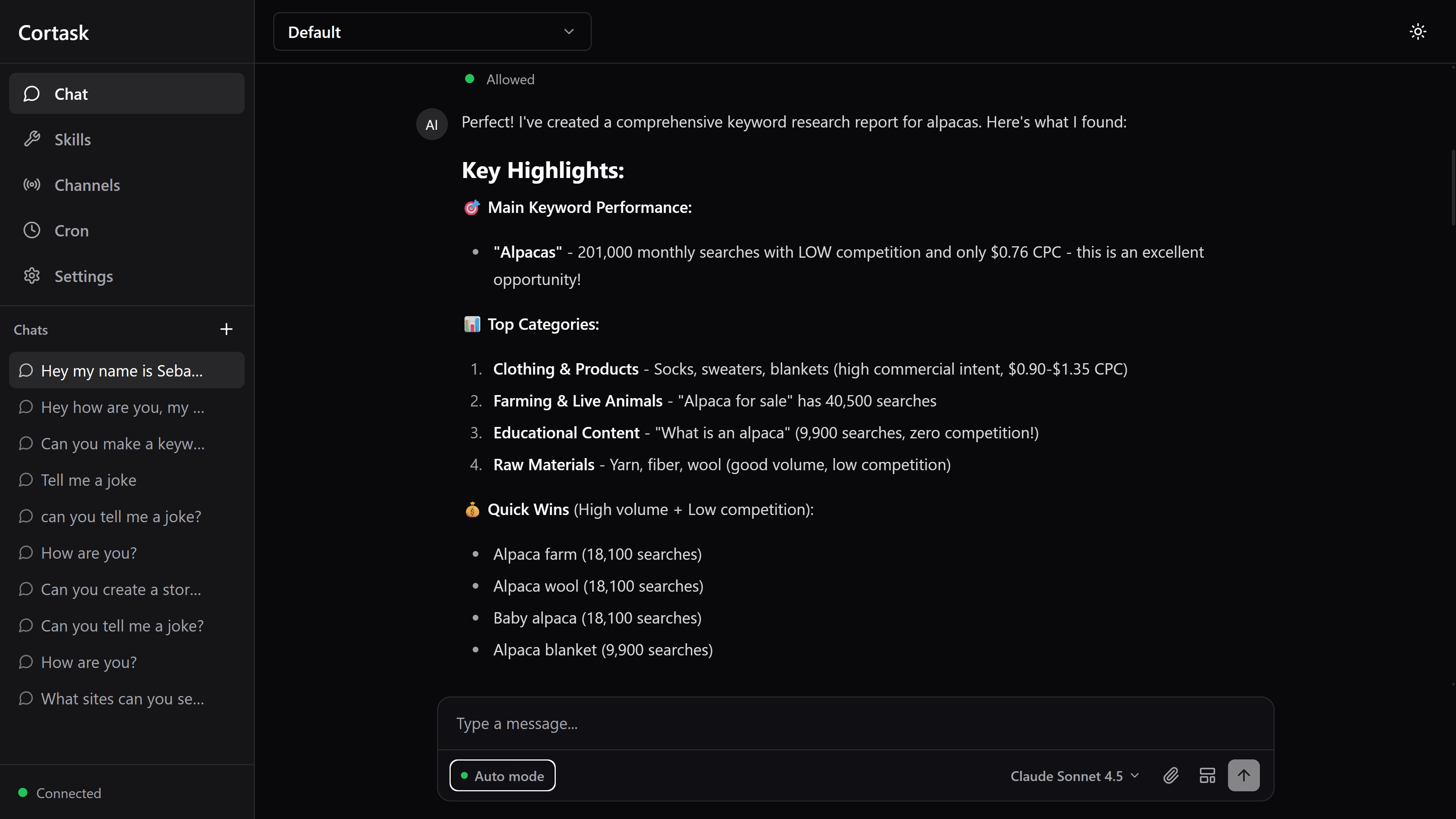
Multi-LLM Support
Seamlessly switch between leading AI providers. Use the best model for each task — all from one interface.
Bring Your Own Keys
Your API keys connect directly to providers. No middleman, no markup, no data routing through third parties. You pay only what providers charge.
Connects With Your Tools
Extensible skill system with 50+ built-in integrations. Add your own via YAML plugins or code.
Notion
Create and manage pages, databases, and tasks
GitHub
Manage repos, issues, PRs, and code reviews
Slack
Send messages and manage channels
Telegram
Send and receive messages via bots
Discord
Post messages and manage server channels
Send and receive WhatsApp messages
Send, read, and organize emails
Google Workspace
Access Docs, Sheets, Drive, and Calendar
Trello
Manage boards, lists, and cards
Obsidian
Read and write notes in your vault
Spotify
Control playback and manage playlists
ElevenLabs
Generate realistic text-to-speech audio
OpenAI
Generate images and embeddings via API
Anthropic
Advanced reasoning and analysis tasks
Google Gemini
Multimodal AI with vision and code
Web Browser
Browse, scrape, and extract web content
PDF Processing
Read, parse, and extract data from PDFs
Google Search Console
Monitor search performance and indexing
Apple Notes
Create and manage notes on macOS
Apple Reminders
Create and manage reminders on macOS
Things
Manage tasks and projects in Things 3
Bear Notes
Write and organize markdown notes
Automated Scheduling
Schedule agents to run tasks automatically. Set up recurring workflows that work while you sleep.
Use cron expressions for any schedule — hourly, daily, weekly, or fully custom intervals.
Local-First Security
Your credentials are encrypted and stored locally. No cloud, no telemetry, no third-party access.
Master Password
Enter your password to unlock your vault
AES-256-GCM
Industry-standard encryption protects your credentials
Local Storage
Encrypted keys stored in local SQLite database
All data stays on your machine. No cloud. No telemetry. SQLite database with full encryption at rest.
Persistent Memory
Agents remember context across conversations. Markdown files for readability, SQLite for speed — scoped globally or per project.
Global Memory
MD files shared across all projects
Project Memory
SQLite DB scoped to each workspace
Session Memory
Conversation history & context
Markdown Files
Human-readable memory files you can edit, version, and share
SQLite Database
Fast structured storage for conversation history and embeddings
Project Scoping
Each workspace has its own isolated memory context
Cross-Session
Agents pick up where they left off, even after restart
Run Anywhere
Deploy Cortask the way that works for you — desktop, container, or command line.
How It Works
Get up and running in minutes, not hours.
Create a Workspace
Set up an isolated project with its own context, memory, and session history. Each workspace keeps your tasks organized.
Configure Your Agents
Pick your LLM provider, enable skills and integrations, set up credentials. Customize exactly how your agents behave.
Let Them Work
Agents execute tasks autonomously with tool concurrency, accessing your connected services and reporting results back to you.
Ready to Orchestrate Your AI Agents?
Free. Open source. MIT licensed. Take full control of your AI workflows with a platform that respects your privacy.